Two-Column Layouts and Answer Spaces: Formatting Exams Like KNEC Does
7 September 2026
Illustration
If you've ever compared a homemade exam paper to an actual KNEC paper side by side, the difference is obvious even before you read a single question. KNEC papers use a two-column layout and clearly marked answer space — details that make a paper look professional and, more importantly, help candidates use their time and space properly. PaperSetter gives you direct control over both.
Why KNEC uses two columns
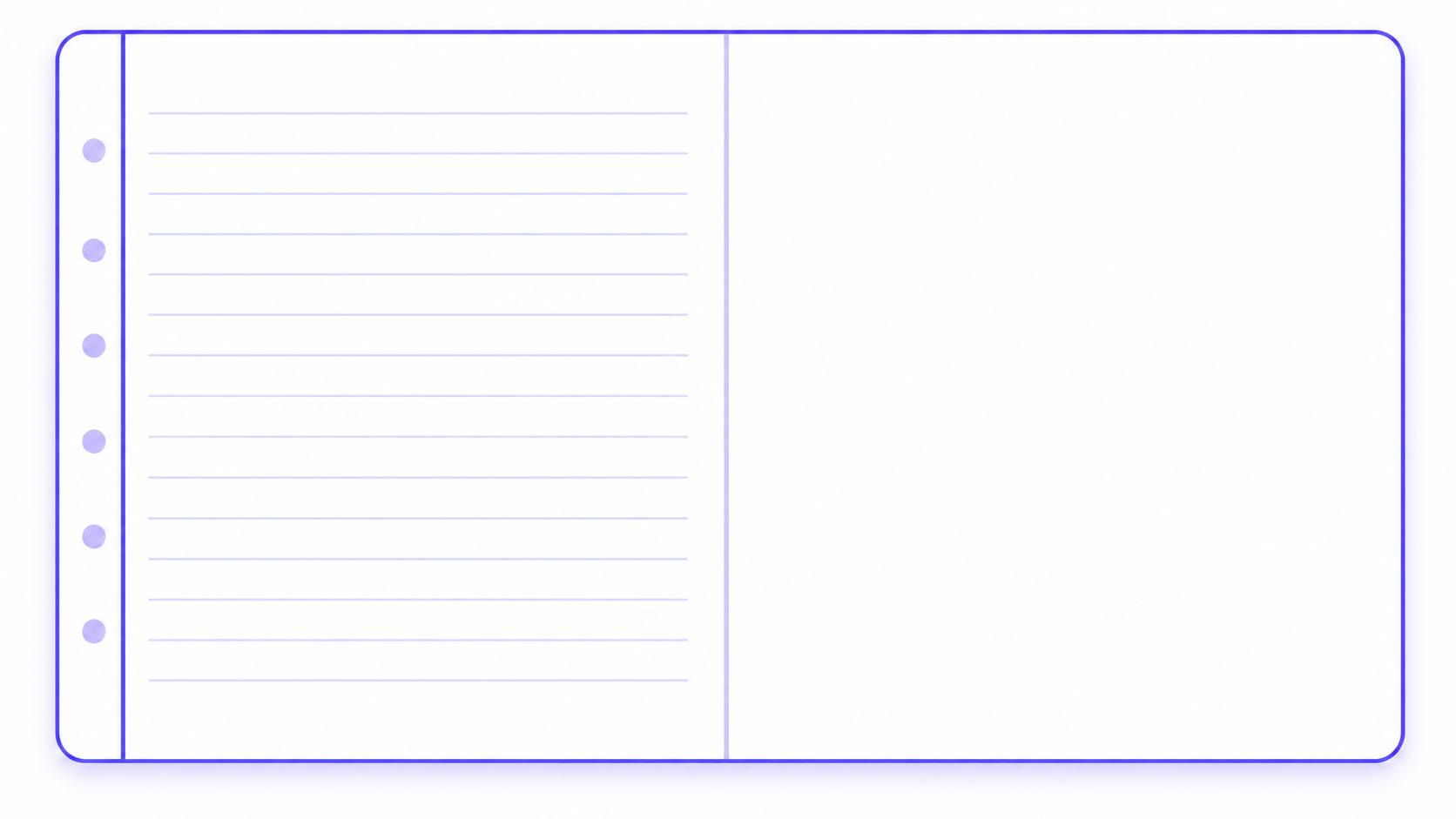
Two-column layouts aren't just a stylistic choice — they're a space-efficient way to fit more content onto fewer pages while keeping each question visually contained. It's a convention candidates are already familiar with from past papers, so a paper that follows it feels immediately recognizable rather than unfamiliar. PaperSetter supports this with a two-column layout toggle that arranges questions side by side per page, the way real KNEC papers do.
Why answer space matters
A question without anywhere to answer it is only half a question. KNEC papers dedicate specific space under each question for the candidate's response — and the type of space depends on the type of question. PaperSetter lets you add this answer space or working area under questions, and it can tell the difference between what a question actually needs.
Ruled lines vs. blank space — and why the distinction matters
Not every question needs the same kind of space. A short-answer or essay-style question needs ruled lines, so a candidate's handwriting stays aligned and the space signals roughly how much to write. A calculation or diagram-style question needs open, blank space instead — ruled lines would just get in the way of working out a sum or sketching a diagram. PaperSetter's answer-space feature makes this distinction based on the nature of the question, rather than applying one blanket style to every question on the paper. Getting this right is a small detail, but it's exactly the kind of detail that separates a paper that looks assembled from one that looks authored.
Working Space mode for maths papers
Maths papers have their own particular need: a wide, blank area for rough working, separate from the answer itself. For this, PaperSetter has a dedicated Working Space mode, built for maths-style KNEC papers, which leaves one column blank specifically for working. It's a separate toggle from the general two-column layout, so you can turn it on specifically when you're setting a maths paper without changing the layout of your other subjects.
Combining the two for a KNEC-realistic paper
Two-column layout and answer space are independent toggles, which means you can mix and match them depending on the paper you're setting. A comprehension paper might use two columns with ruled answer lines. A maths paper might use two columns with Working Space mode instead. Getting this combination right is what makes the final PDF feel like a paper KNEC could have set, not just a list of questions with marks attached.
The takeaway
Formatting isn't cosmetic when it comes to exam papers — it's part of how candidates read and use the paper. PaperSetter's two-column and answer-space options exist so you don't have to recreate these conventions by hand in a word processor every time you set a paper.
More on PaperSetter How-To
Ready to build a KNEC-format exam paper for your class? Start your free PaperSetter trial.